
LEO EquipTrack
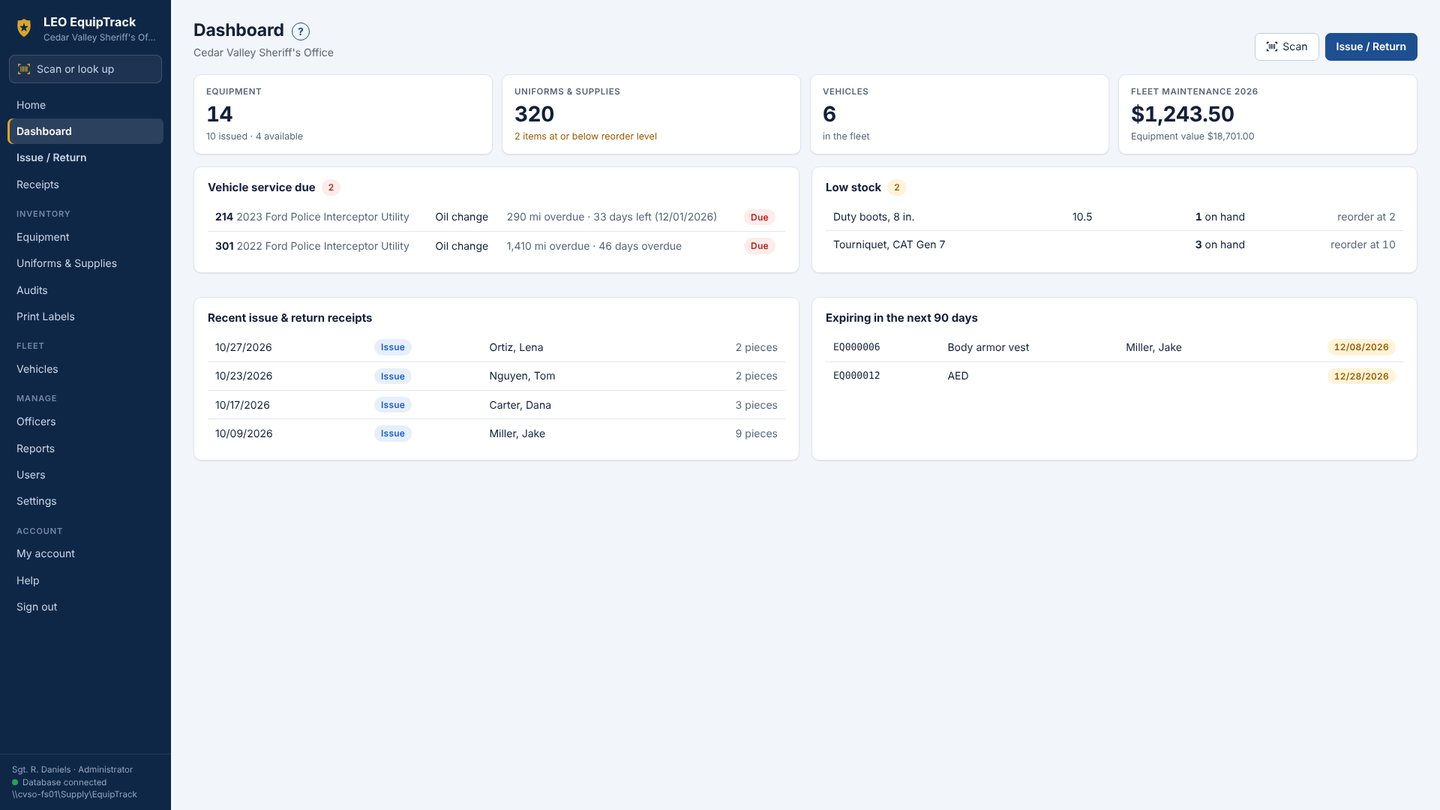
Equipment, uniforms and patrol vehicles in one place: who has which radio, body camera and vest, what's on the uniform shelves, and when each car is due for service.
Built for the equipment room
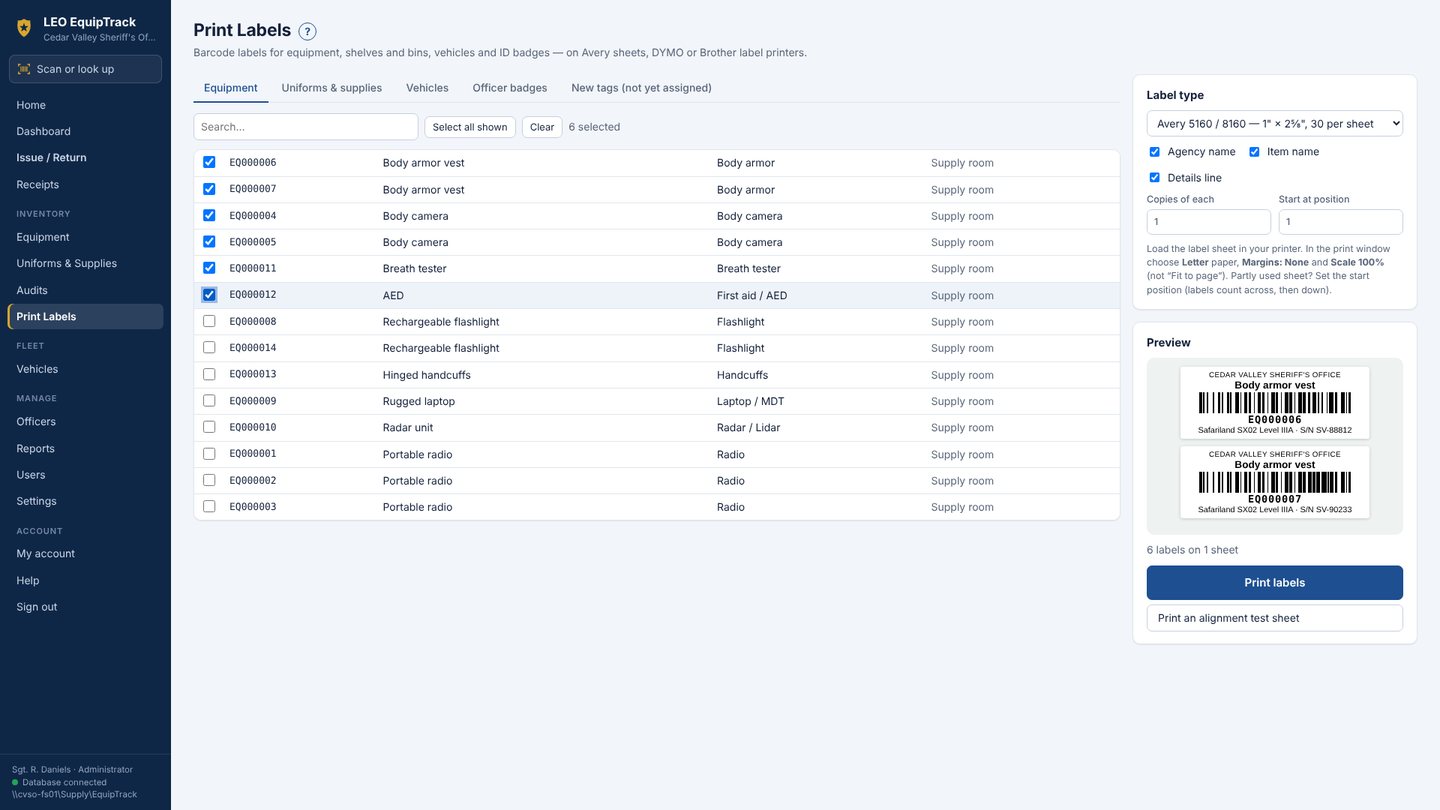
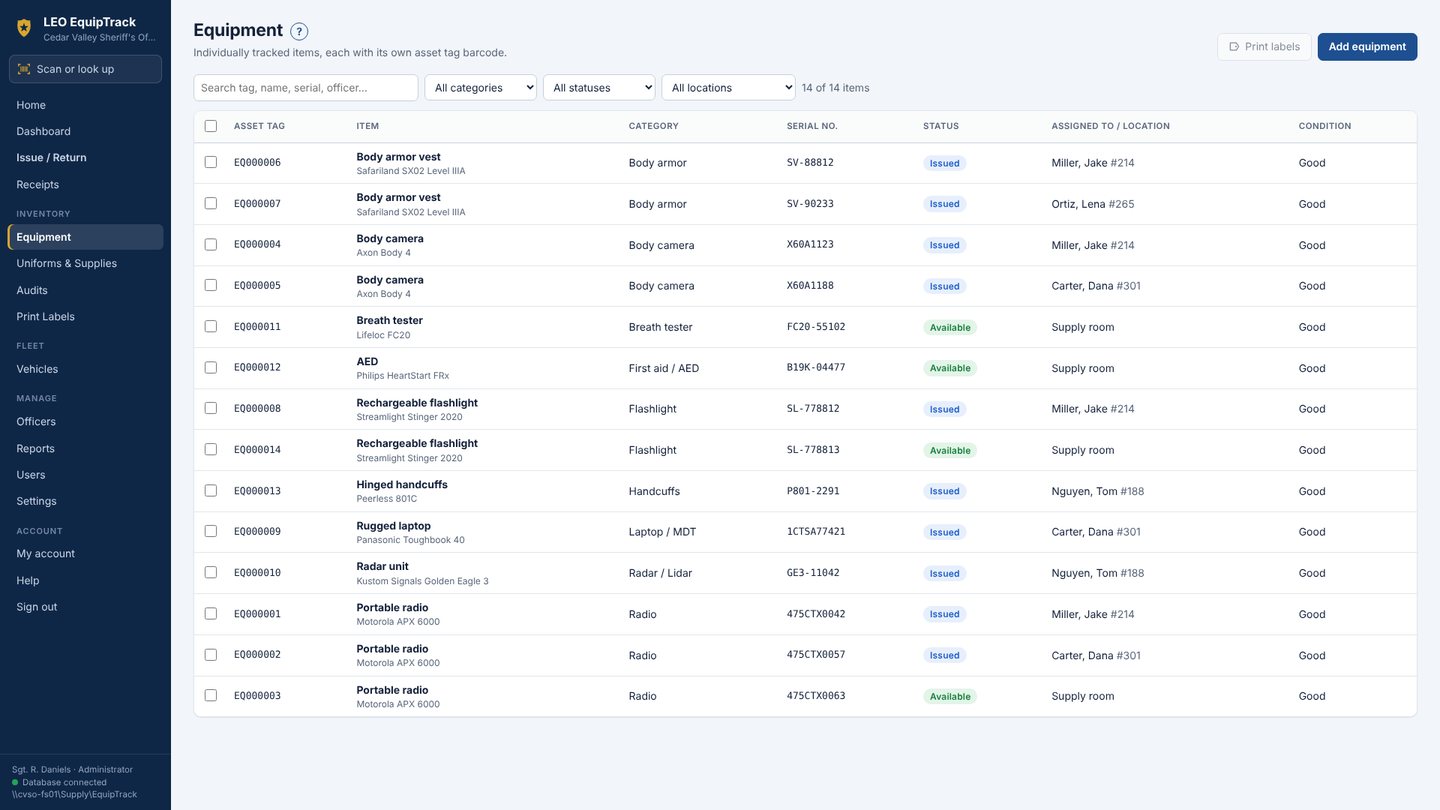
Asset tags and labels
Every radio, body camera, vest and rifle gets a barcode tag. Print labels on Avery sheets, DYMO or Brother label printers.
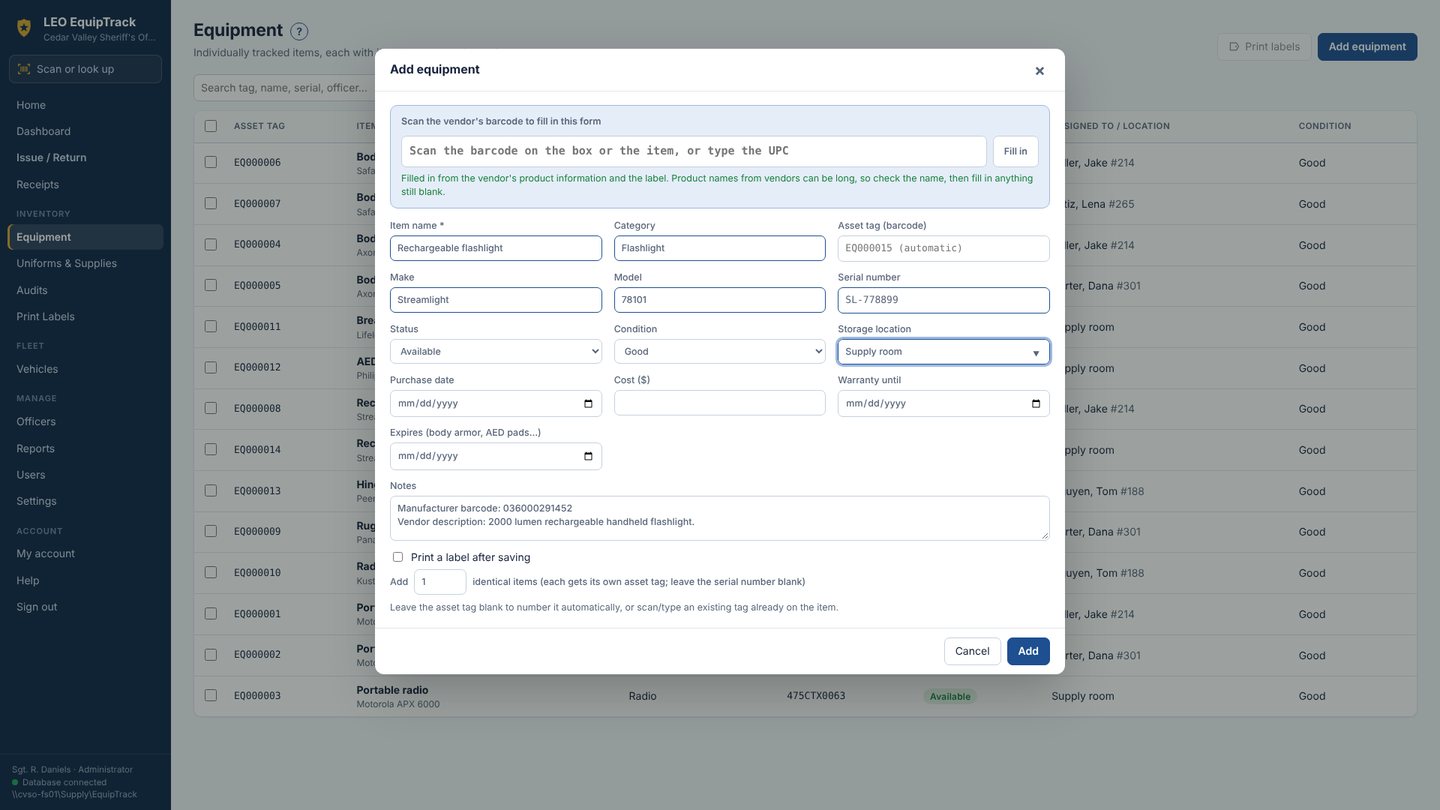
Scan the maker's barcode
Scan the UPC or GS1 label on the box and the name, make, model, serial number and expiration date fill in for you.
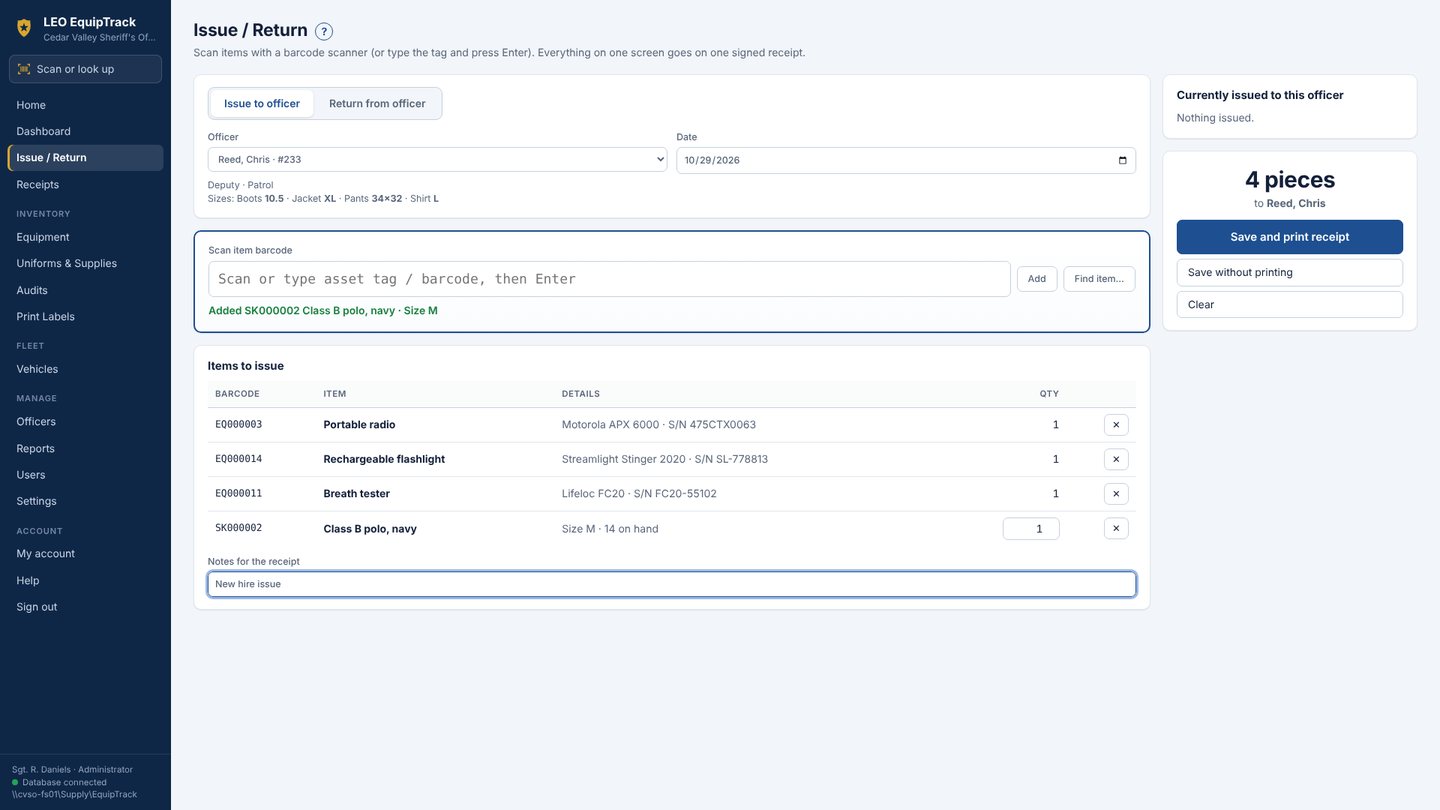
Issue and return
Scan the officer's ID, scan the items, print a receipt for signatures. Property-by-officer reports show who has what.
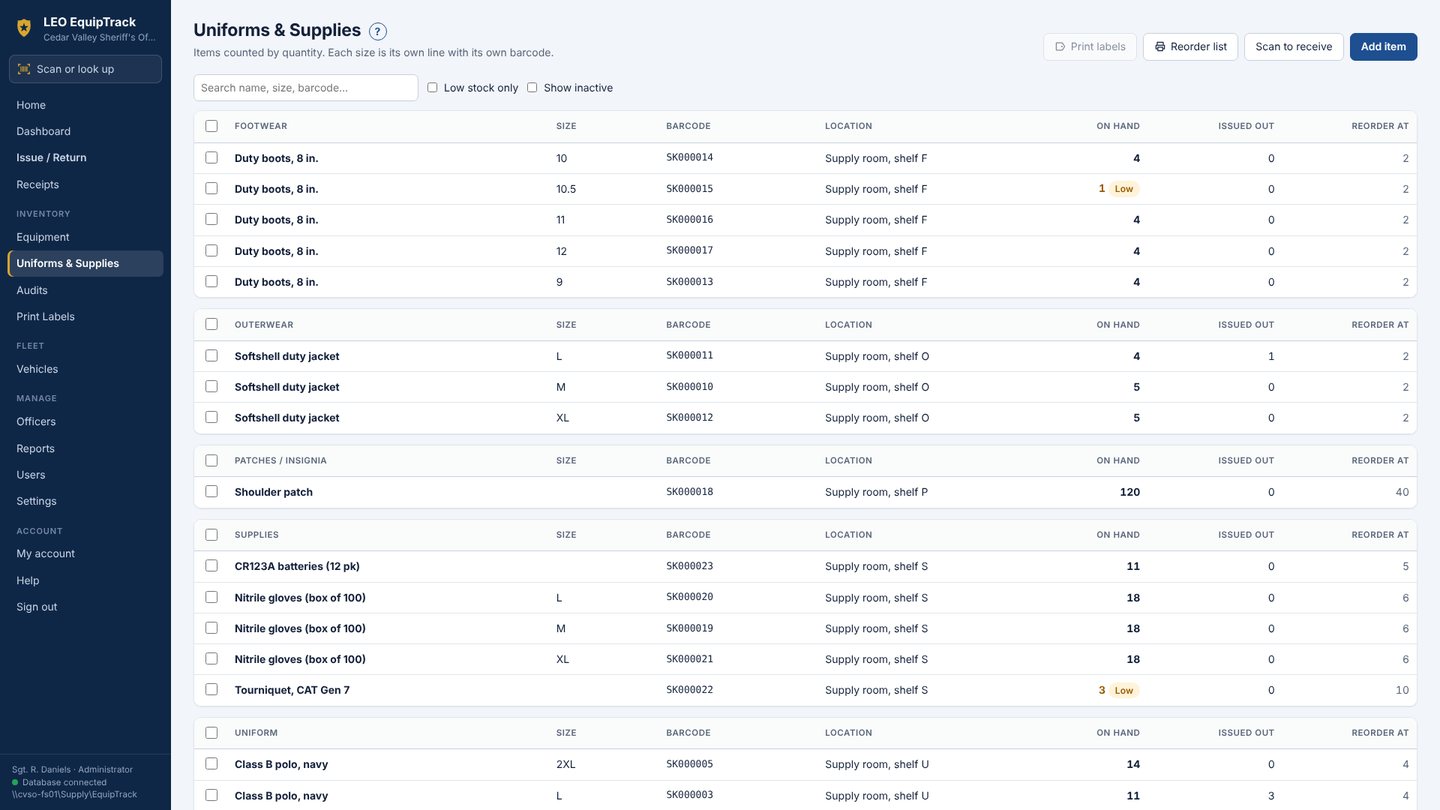
Uniforms and supplies
Stock by item and size with reorder levels. Scan vendor tags to receive a shipment in seconds.
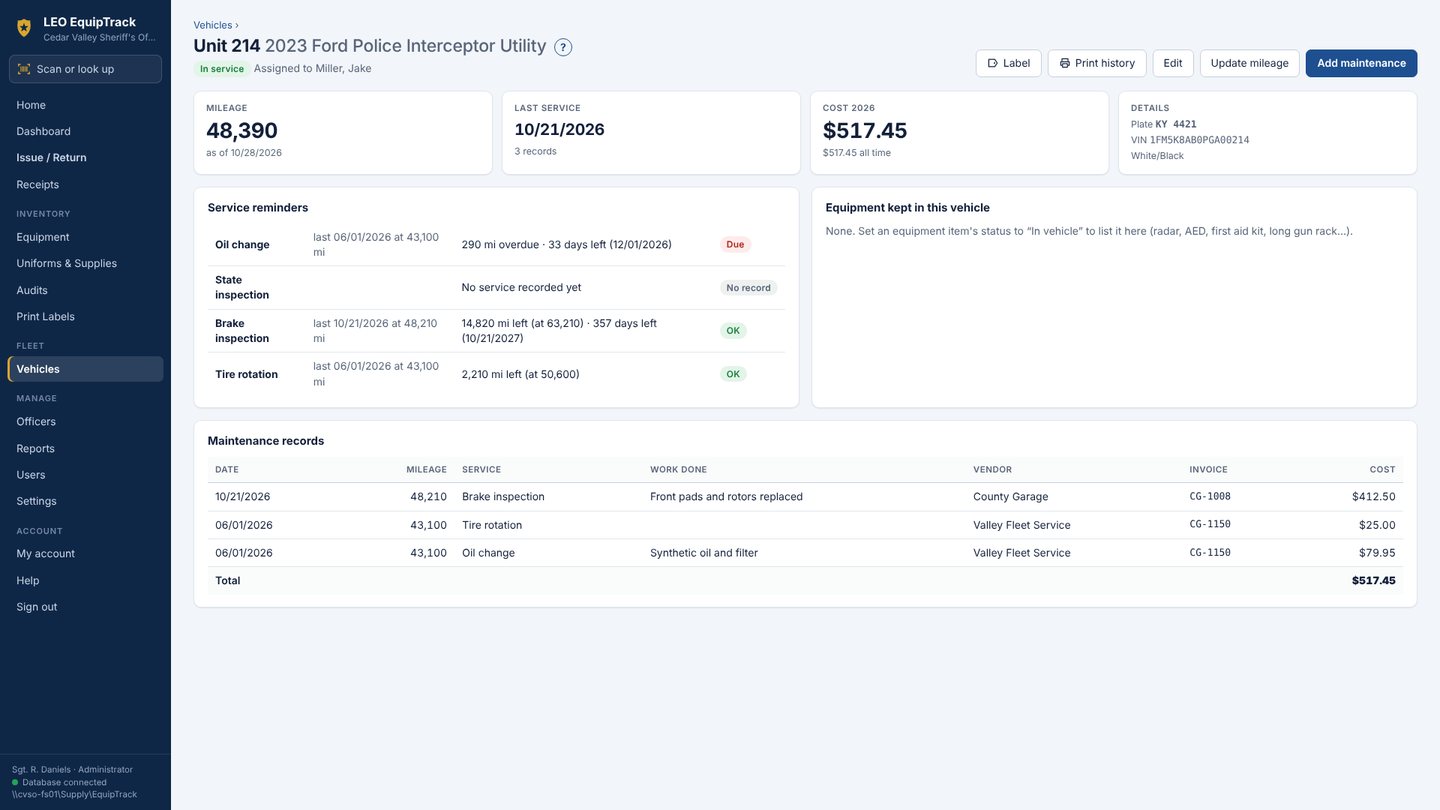
Fleet maintenance
Oil changes, tire rotations, brakes and state inspections, with reminders by mileage and date and a running cost per unit.
Expiration tracking
Body armor, AED pads and anything else with a date. The dashboard warns before it expires.
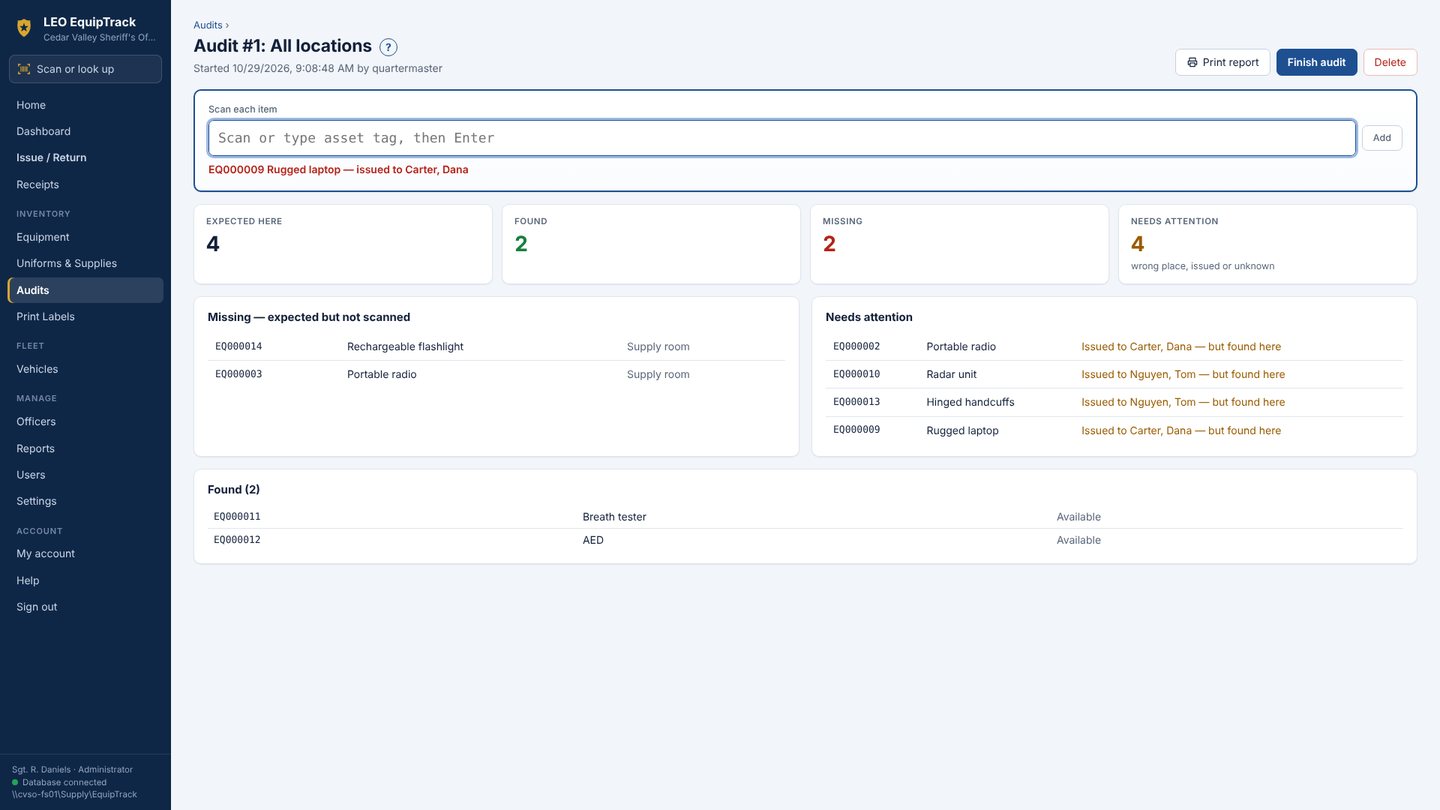
Inventory audits
Walk a room or a vehicle with a scanner. EquipTrack shows what's there and what's missing.
Officer requests
With LEO EquipTrack Web, officers sign in from an MDT, desk computer or phone to request equipment or vehicle service.
Records stay with your agency
One database on your own network folder for every computer. Nothing is sent to us, and no advertising or tracking.
Getting it
LEO EquipTrack is on its way to the Microsoft Store for Windows 10 and 11. Every agency starts with a 30-day free trial. If the subscription ever ends, nothing is deleted: records stay viewable and printable. Works with any USB or Bluetooth barcode scanner. For the officer request portal, a hosted setup, or help moving existing records, email support@akhtech.org.
Coming soon to the Microsoft Store
Product names and barcodes belong to their manufacturers. Privacy statement.